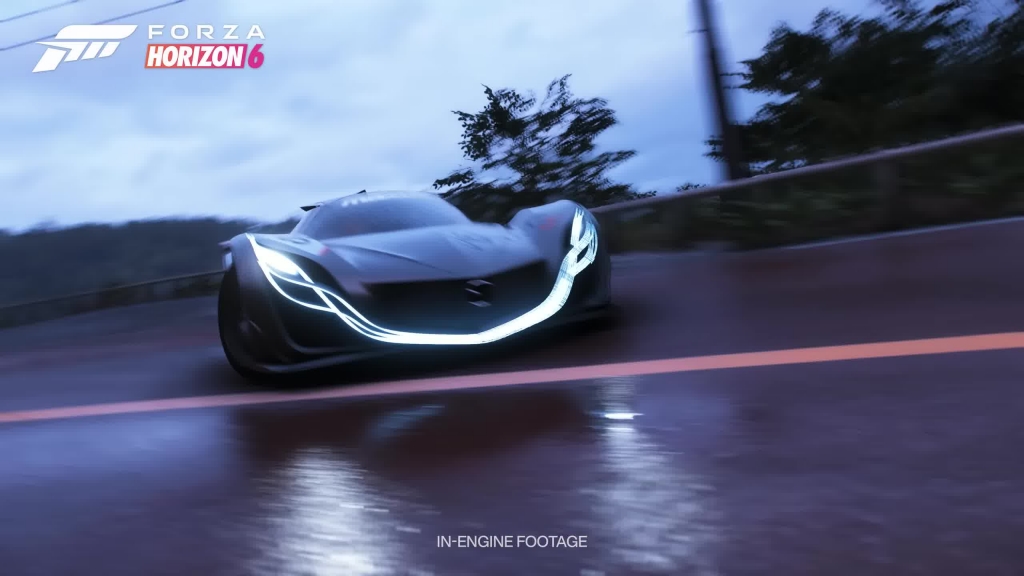
In Forza Horizon 6, the auction house is one of the most competitive systems in the entire game. Rare vehicles can disappear in seconds, and success often comes down to interface speed, loading efficiency, and decision timing rather than raw in-game currency or luck.
This guide breaks down a full optimization method used to maximize auction success rates, along with system settings, workflow adjustments, and a streamlined sniping loop designed to reduce every possible millisecond of delay.
1. Core Optimization Philosophy
The entire strategy is built around one principle:
Reduce UI load time and menu transitions so you can outpace other buyers.
This matters because high-demand cars are typically purchased faster than most players can even complete a full auction transition.
Players often combine this approach with efficient resource planning using FH6 Credits to ensure they can instantly buy out listings when they appear.
2. Graphics & System Settings Optimization
Lowering visual overhead directly improves menu responsiveness and reduces loading delays between auction house screens.
Recommended Settings Configuration
| Category | Setting | Purpose | Impact |
| Graphics Preset | Very Low | Reduce rendering load | Faster menu transitions |
| Motion Blur | Off | Cleaner UI rendering | Improved clarity + responsiveness |
| UI Motion Blur | Off | Stabilize interface movement | Faster navigation feedback |
| Moving Backgrounds | Disabled | Remove animated UI elements | Significant menu speed boost |
| Visual Effects | Minimal | Reduce background processing | Faster screen loads |
These changes collectively reduce UI animation overhead, which is critical when competing for rare vehicles or attempting to buy Forza Horizon 6 Cars before other players complete their transactions.
3. Online Session Optimization
Switching to a solo environment reduces server-side load and eliminates player synchronization delays.
Session Setup
| Step | Action | Result |
| 1 | Enter Campaign → Settings → Online | Access session controls |
| 2 | Select Horizon Solo | Remove online players |
| 3 | Confirm switch | Lighter session load |
| 4 | Re-enter free roam | Faster UI transitions |
Why This Works
- Fewer network requests
- Reduced world-state syncing
- Faster menu opening and closing
4. Vehicle Selection for Maximum Menu Speed
One overlooked optimization is the car you drive while performing auction sniping.
Recommended Vehicle
| Vehicle | Cost | Why It’s Used |
| Peel P50 | ~$21,000 | Minimal asset load, fastest UI rendering |
The Peel P50 is extremely lightweight in terms of in-game assets, which helps reduce animation delays during menu transitions.
5. Location Optimization (Festival Site Method)
Fast travel positioning can also impact loading speed.
Recommended Location Setup
| Location | Region | Benefit |
| Horizon Festival Site | Otani Region (above Tokyo City) | Minimal environmental rendering |
Key Advantage
- Reduced background world complexity
- Lower asset streaming load
- Faster auction house entry times
This location ensures the system prioritizes UI rendering over environmental detail.
6. Auction House Sniping Workflow
This is the core execution loop used for rare car sniping.
Step-by-Step Process
| Step | Action |
| 1 | Enter Buy & Sell → Auction House |
| 2 | Set search filters (e.g., Nissan GT-R FE12) |
| 3 | Run continuous searches |
| 4 | Monitor listings instantly |
| 5 | Use “Auction Options” instead of full preview |
| 6 | Execute Buyout immediately |
Critical Technique: Skip the Second Screen
Most players lose auctions here:
- Clicking a car
- Waiting for detail screen load
- Pressing Buy Out too late
Optimized Method:
- Use Auction Options → Buyout directly from list screen
- Avoid detail screen entirely
This removes one full loading layer, which is often the difference between success and failure.
7. Rare Car Targeting Example
| Target Vehicle | Category | Demand Level |
| Nissan GT-R Black Edition FE | Forza Edition | Extremely High |
| Seasonal Exclusives | Limited | High |
| Event Reward Cars | Rare | Very High |
When targeting these vehicles, players often rely on fast refresh loops and instant buyout execution rather than slow browsing.
8. Efficiency Loop (Repeat Cycle)
This is the optimized sniping cycle used in high-intensity sessions:
- Search auctions
- Scan listings instantly
- Open Auction Options
- Attempt buyout
- Repeat immediately
A consistent loop can significantly increase success probability, especially when combined with optimized system settings and solo sessions.
9. Resource Preparation Strategy
Auction success is not just mechanical—it is also financial.
Players who maintain strong currency reserves using Forza Horizon 6 Credits are significantly more likely to secure rare listings instantly without hesitation or resource delays.
Prepared players outperform reactive players almost every time in high-competition auction environments.
Conclusion
Auction house sniping in Forza Horizon 6 is fundamentally a performance optimization challenge disguised as a trading system. By minimizing UI load, reducing session complexity, selecting low-overhead vehicles, and skipping unnecessary menu layers, players can drastically improve their chances of securing rare cars before others complete their buyout actions.
The combination of system tuning, environment control, and rapid execution forms a complete competitive advantage loop for high-end vehicle acquisition.